Who's saying what?
Look Who's Talking uses AI to identify who's speaking in any conversation.
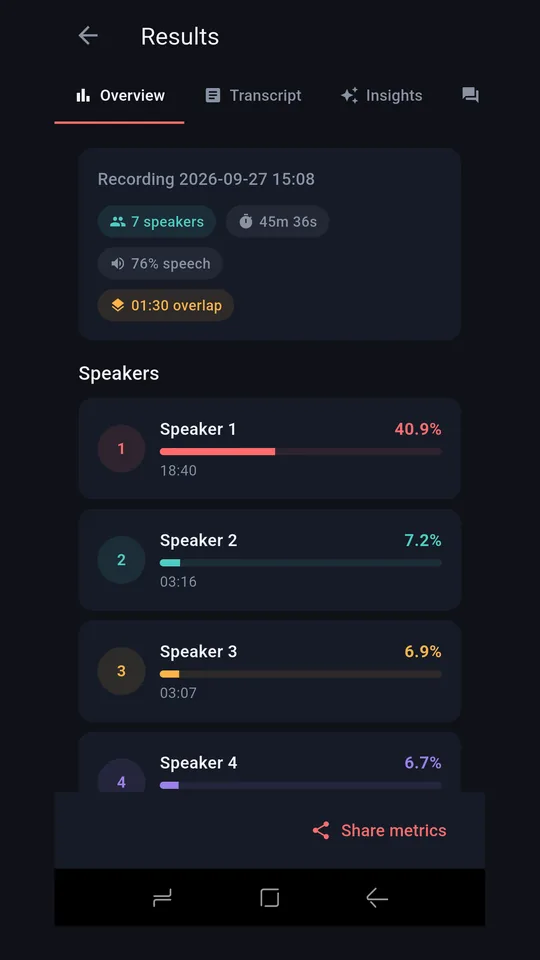
Upload a recording of a meeting, interview, or conversation. The app separates each speaker, shows how much each person spoke, and lets you ask questions about what was said. No setup. No training. Works on any conversation.
App screenshot coming soon
How it works
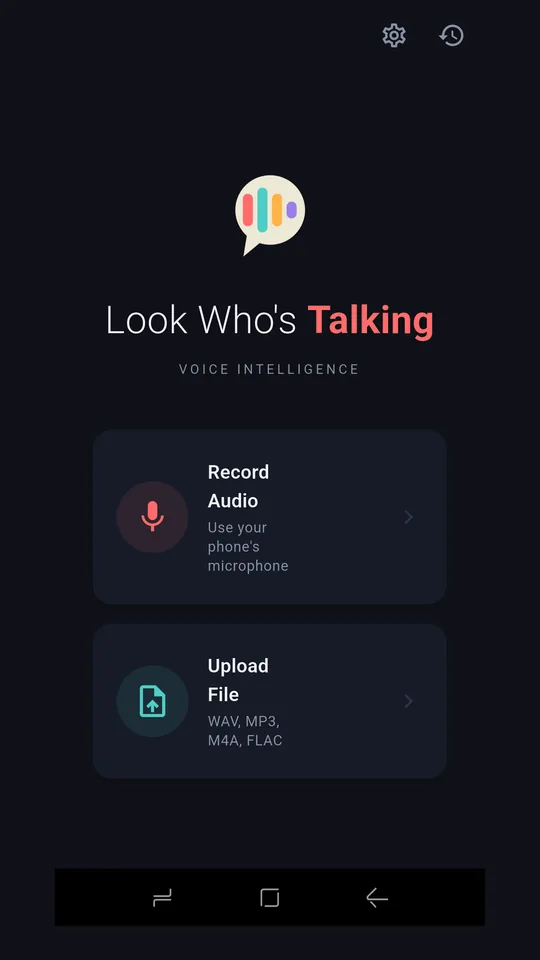
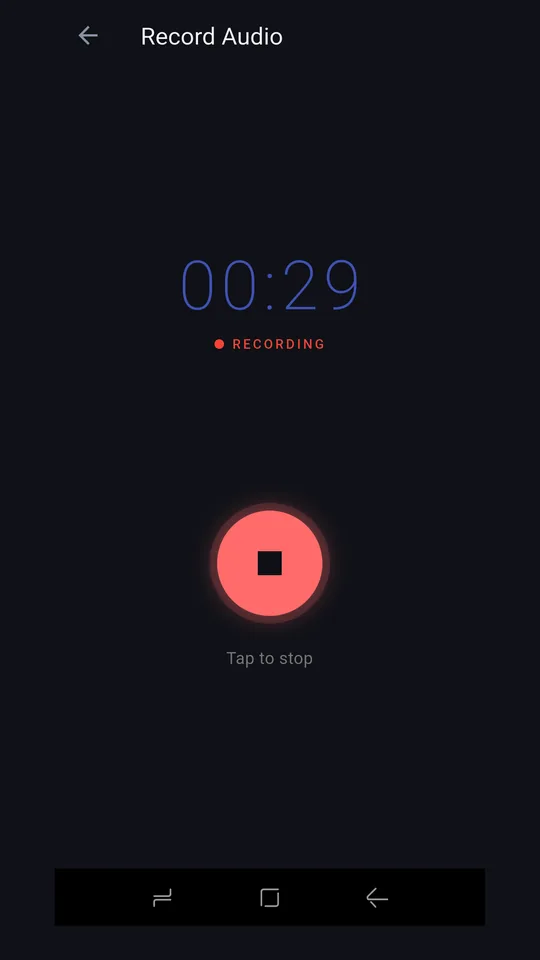
- Upload your audio Record or choose an existing conversation from your phone or cloud storage.
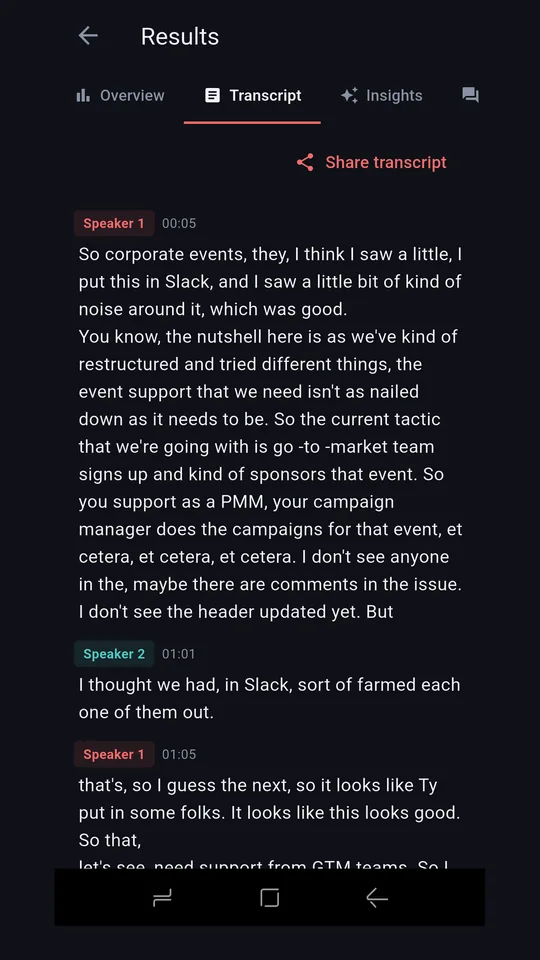
- AI analyses the speakers Our AI identifies each unique voice and builds a timeline of who said what.
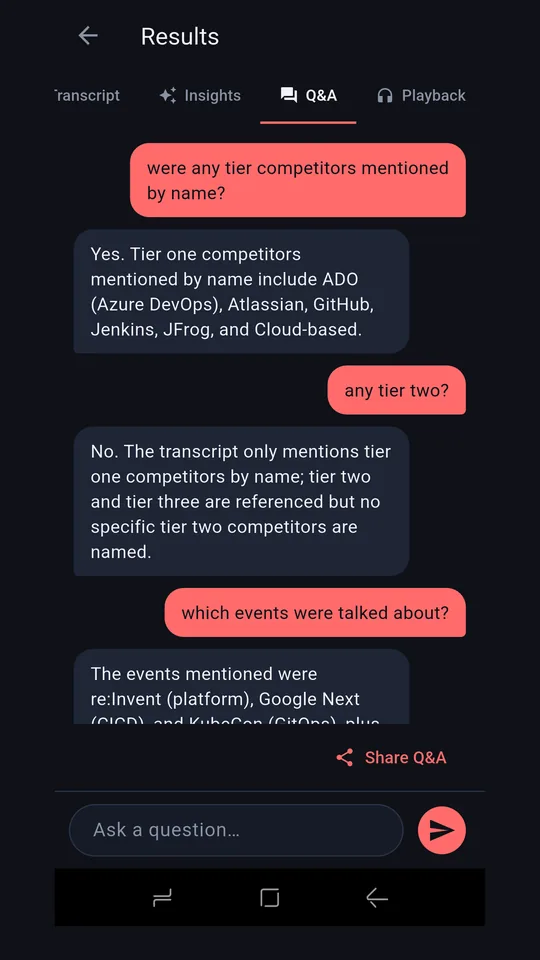
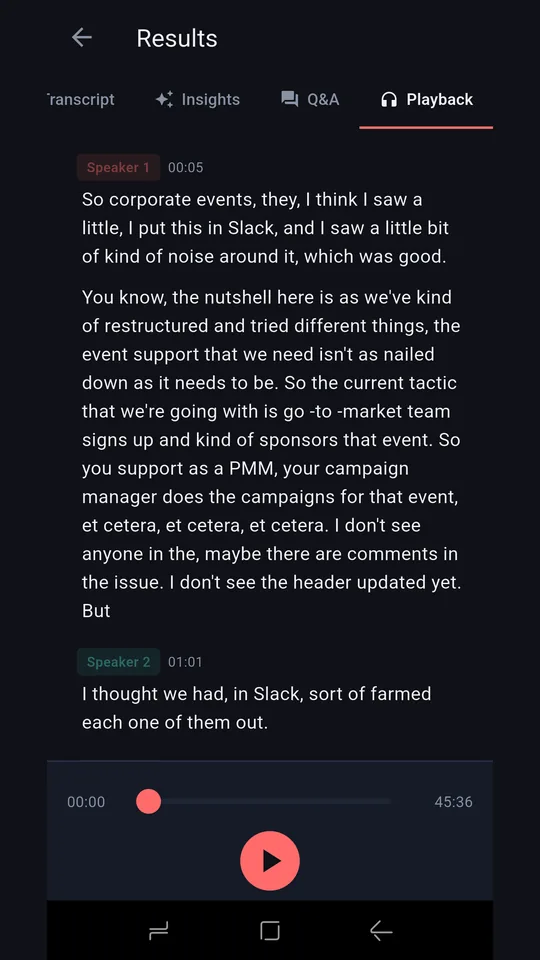
- Explore the results See speaker percentages, read transcripts, and ask questions about the conversation.
What it looks like
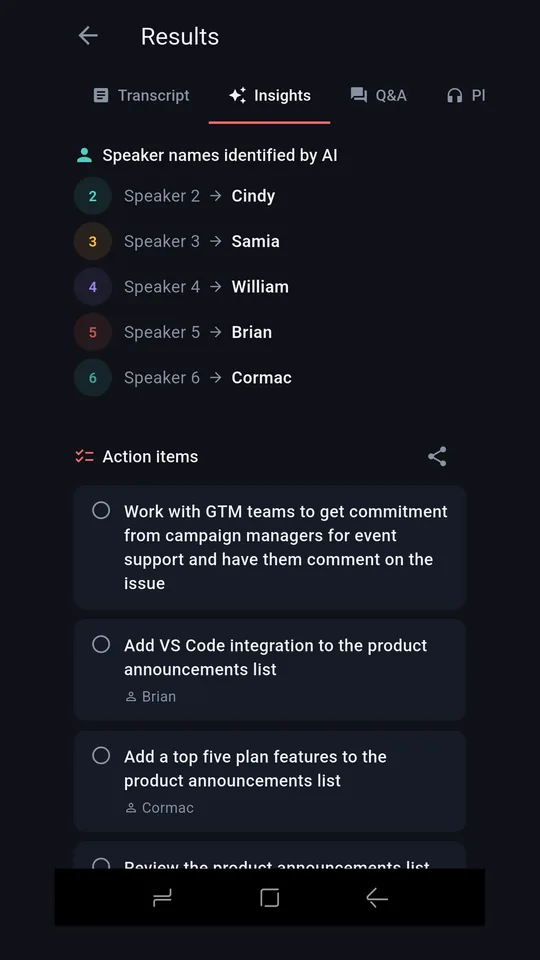
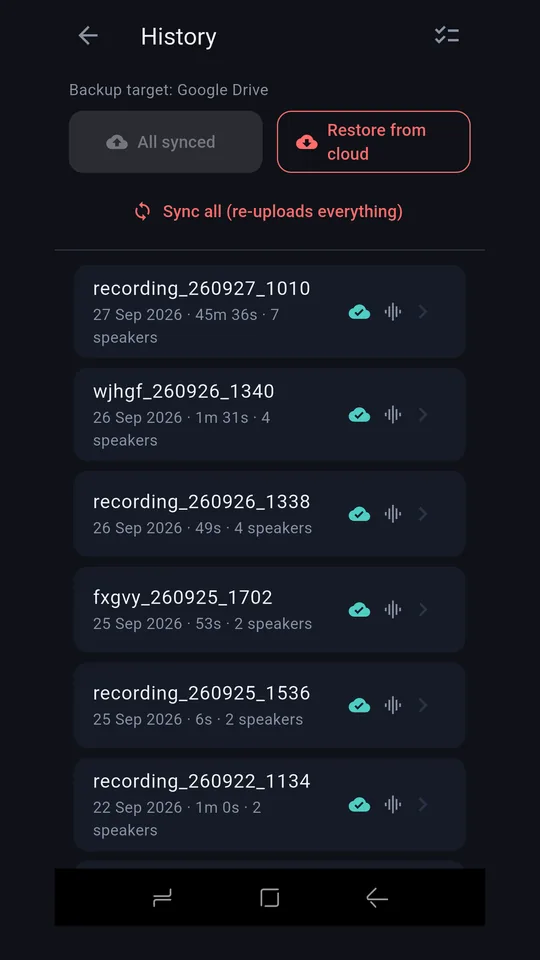
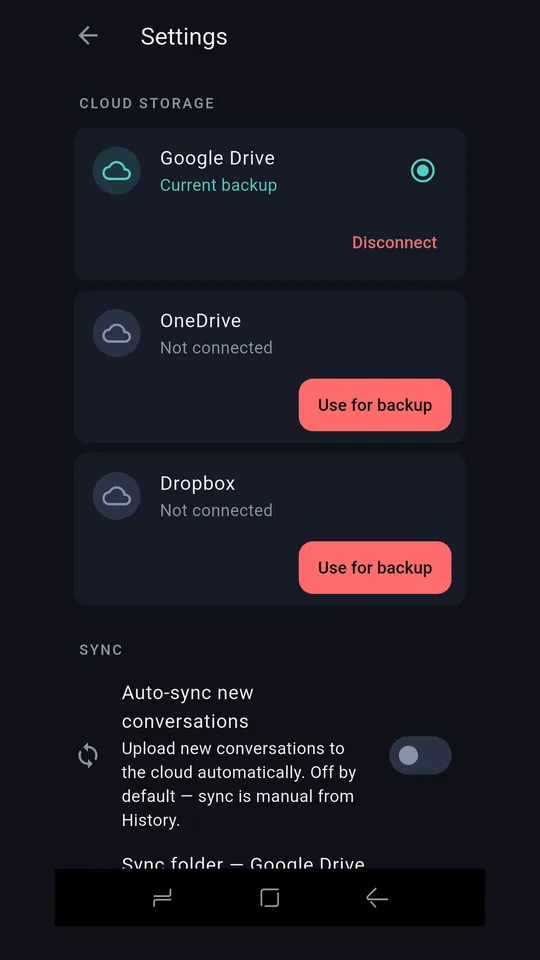
Swipe through — the eight screens on Google Play, plus playback.
Key features
🎙 Speaker identification
Separates overlapping voices automatically.
📝 Transcription
Full text of what each speaker said.
💡 AI insights
Ask questions; get answers drawn from the conversation.
☁️ Cloud backup
Your conversations are backed up to Drive, Dropbox or OneDrive.
Ready when you are
Look Who's Talking is in pre-beta and coming to Google Play.
Coming soon to Google Play